
Smart tools for helping families focus on what matters

Software should be smart, quiet and used sparingly.
Family life is scattered everywhere.
The school schedule lives in one app, the grocery list in another, and the real plan is a note on the fridge. Someone has to hold it all together in their head, and answer the same questions every day: what's for dinner, who's driving, and what did we forget?
One smart organizer for the whole family.
Seneca brings your family's planning into one place, so you spend less time organizing and make fewer decisions every day.
-
Everything in one placeTasks, meals, groceries, schedules and budgets, with one Seneca login.
-
Fewer decisions every daySmart suggestions help plan meals, sort tasks and build the grocery list.
-
Shared with your partnerConnect your accounts once and your lists and plans stay in step.
Stay on the same page, automatically.
Connect with your partner once in Seneca Settings. When partner sharing is enabled, your schedules, plans and tasks are automatically shared with each other, so there's less to forward, re-enter or ask about.
Tasks with a tag you share appear for both of you.
Turn on sharing to see each other's planned meals.
See your shared tasks alongside your day.
See and change one budget together.
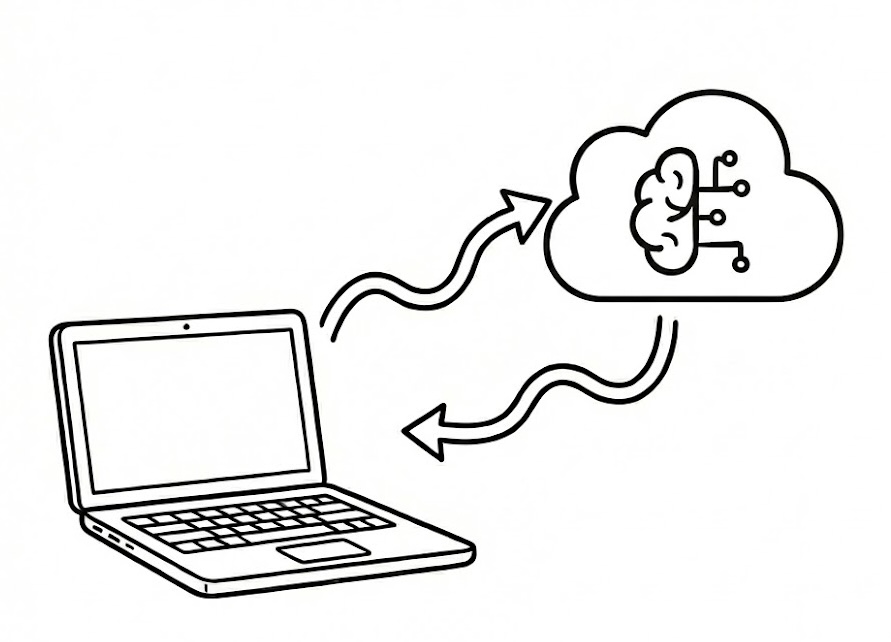
Seneca AI built in, or bring your own intelligence.
Seneca AI is built in by default, with nothing to set up. It adds smart sorting, meal generation and task prioritization across your Seneca apps, and comes with Seneca Premium ($3/month, up to 200 requests a day).
Prefer your own? Connect directly to Google Gemini, ChatGPT (OpenAI) or Claude (Anthropic) using a key you provide, at no cost from Seneca. Add your key once in Settings and it works across every Seneca app.
Control and delete your data.
Download a copy of everything in your Seneca account at any time, or delete your account and its data from every Seneca app. Both are in your profile settings.
Seattle, WA.